

Before you begin
Make sure you have:- A terminal open in a code project
- A Git repository (recommended for the full workflow demonstration)
Step 1: Install and start opensre
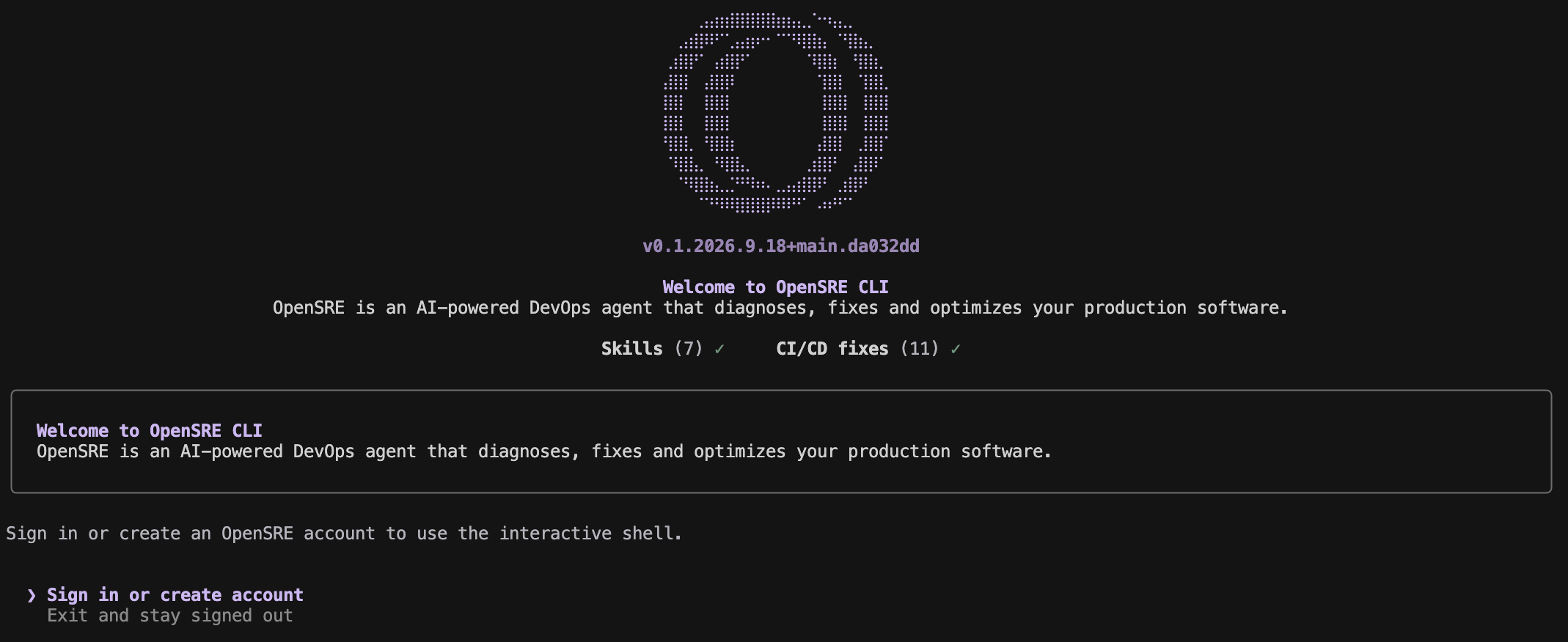
Step 2: Sign in
Choose Sign in or create account in the welcome screen. The browser opens the OpenSRE sign-up page, where you can use email or another enabled provider. A successful login activates the OpenSRE-hosted model. OpenSRE then validates the new session and opens the interactive shell. Add integrations later withopensre integrations setup <service> when you want OpenSRE to query a specific tool.
Step 3: Ask your first question
Choose either path — both use the same localopensre binary:
Interactive prompt shell — start OpenSRE with no arguments (TTY). The shell opens only after the webapp validates your account; choosing Exit and stay signed out leaves account-independent CLI commands available:
--json output, and exit codes.
Inside the interactive shell, /help lists commands, /status shows the current setup, /effort changes reasoning effort, and /exit closes the shell.

Step 4: Keep up to date
Uninstall
To remove opensre and all its local data from your machine:--yes to skip the confirmation prompt:
Troubleshooting
- Docker is not running: Start Docker Desktop, OrbStack, or Colima before running
opensre. makeis missing: See the development setup guide if you are working from source.- The shell does not open after login: Run
opensre account status. The webapp must be reachable and the stored account token and metadata must both be valid. - You want to stay signed out: Choose Exit and stay signed out at startup. Commands such as
opensre account,opensre doctor, andopensre integrationsremain available, but the interactive shell stays closed.